
Dbx
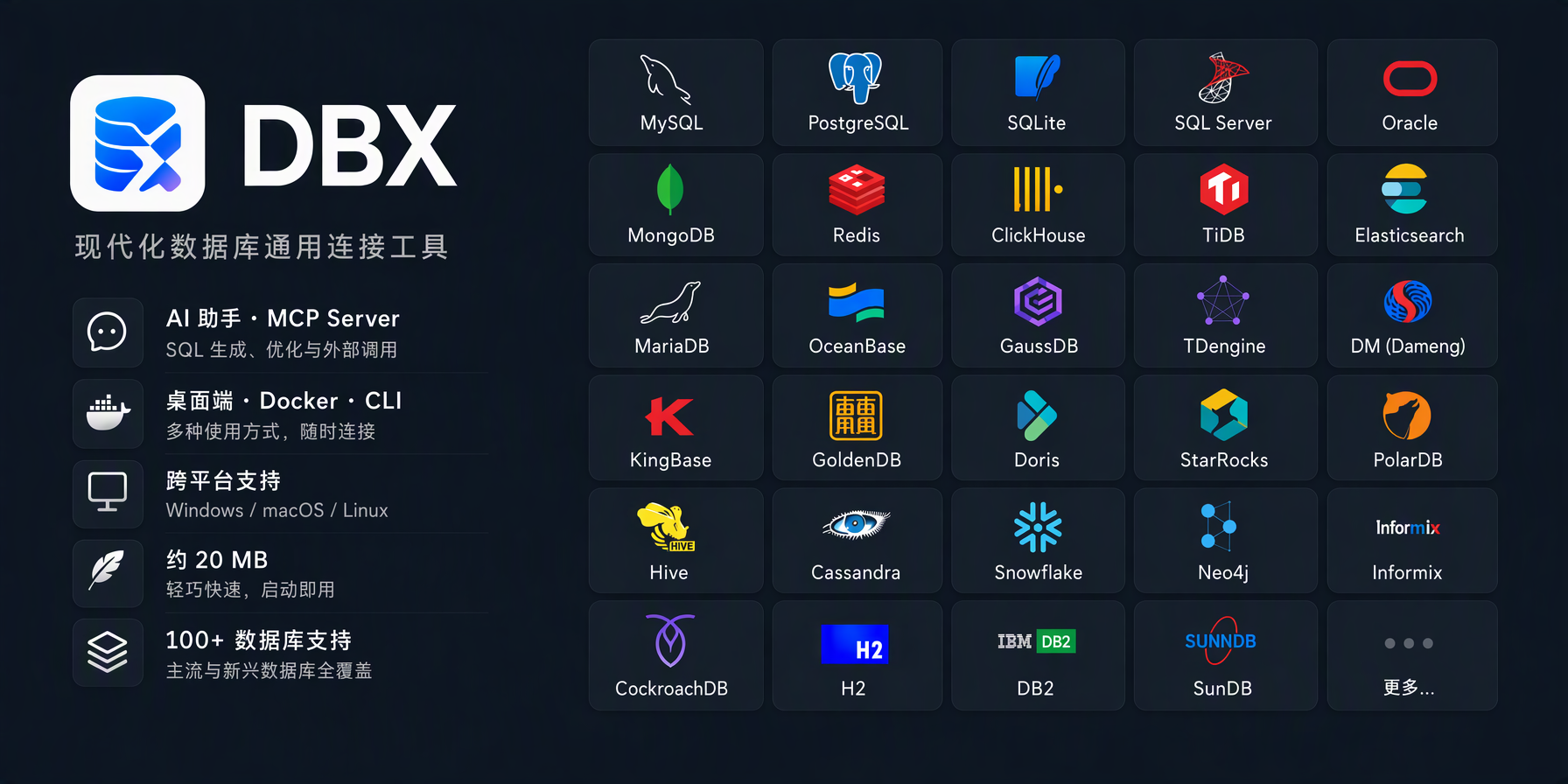
This MCP server lets Claude query databases through connections you've already configured in DBX, a lightweight database client that supports 40+ database systems including MySQL, PostgreSQL, MongoDB, Redis, ClickHouse, and Oracle. Instead of configuring individual database credentials in your MCP setup, you point it at your DBX instance and inherit all your existing connections. The server exposes tools for running queries and retrieving schema information, making it straightforward to ask Claude to pull data from your production Postgres instance or check what's in your local SQLite file. If you're already using DBX to manage database connections across different projects, this bridges that setup directly into your AI workflows without duplicating configuration.
- GitHub stars
- 4.8K
- tools
- 9
- transport
- STDIO
- last updated
- May 3, 2026
Install
From registry metadata$ npx add-mcp @dbx-app/mcp-server --name dbxRun in your terminal. add-mcp asks which agents to add it to (Claude Code, Codex, Cursor and more). Add -g to install it for every project.
Review the command, arguments and environment values before installing. MCP servers run with your local permissions.
Other ways
Claude Code
$ claude mcp add dbx -- npx -y @dbx-app/mcp-serverRun in your terminal. Replace YOUR_* placeholders with real values; add --scope user to install for every project.
Tools
Verified live · 9 toolsVerified live against the running server on Jun 10, 2026.
dbx_list_connectionsList all database connections configured in DBX
List all database connections configured in DBX
No parameters. Call it with no arguments.
dbx_list_tablesList tables and views for a database connection3 params
List tables and views for a database connection
connection_name*stringdatabasestringschemastringdbx_describe_tableGet column definitions for a table4 params
Get column definitions for a table
connection_name*stringdatabasestringschemastringtable*stringdbx_execute_queryExecute a SQL query on a database connection (max 100 rows returned)3 params
Execute a SQL query on a database connection (max 100 rows returned)
connection_name*stringdatabasestringsql*stringdbx_get_schema_contextGet compact table and column context for writing SQL5 params
Get compact table and column context for writing SQL
connection_name*stringdatabasestringmax_tablesintegerschemastringtablesarraydbx_add_connectionAdd a new database connection to DBX8 params
Add a new database connection to DBX
databasestringdb_type*stringhost*stringname*stringpasswordstringportnumbersslbooleanusernamestringdbx_remove_connectionRemove a database connection from DBX1 params
Remove a database connection from DBX
connection_name*stringdbx_open_tableOpen a table in DBX desktop app UI. Requires DBX to be running.4 params
Open a table in DBX desktop app UI. Requires DBX to be running.
connection_name*stringdatabasestringschemastringtable*stringdbx_execute_and_showExecute a SQL query in DBX desktop app UI and show results there. Requires DBX to be running.3 params
Execute a SQL query in DBX desktop app UI and show results there. Requires DBX to be running.
connection_name*stringdatabasestringsql*stringSponsors
 Agent CaffeineSponsoredClose your lid, come back to finished work
 SnugSponsoredThe clipboard manager for the AI eraPromote your product hereReach 125k+ visitors monthly
 WaxSponsoredBlock anything with supervision, without erasing your iPhonePromote your product hereReach 125k+ visitors monthly
 knobsSponsoredSee your site on any phone, any day, in any language
Readme
100+ databases in 25 MB. Desktop, Docker, CLI, built-in AI assistant, and MCP Server.
Details
- Repository
- github.com/t8y2/dbx
- Package
@dbx-app/mcp-server- Transport
- STDIO
- Registry
- MCP registry, active
- Tools verified
- Jun 10, 2026